01 / OPERATOR WORKFLOW
Read Command in context
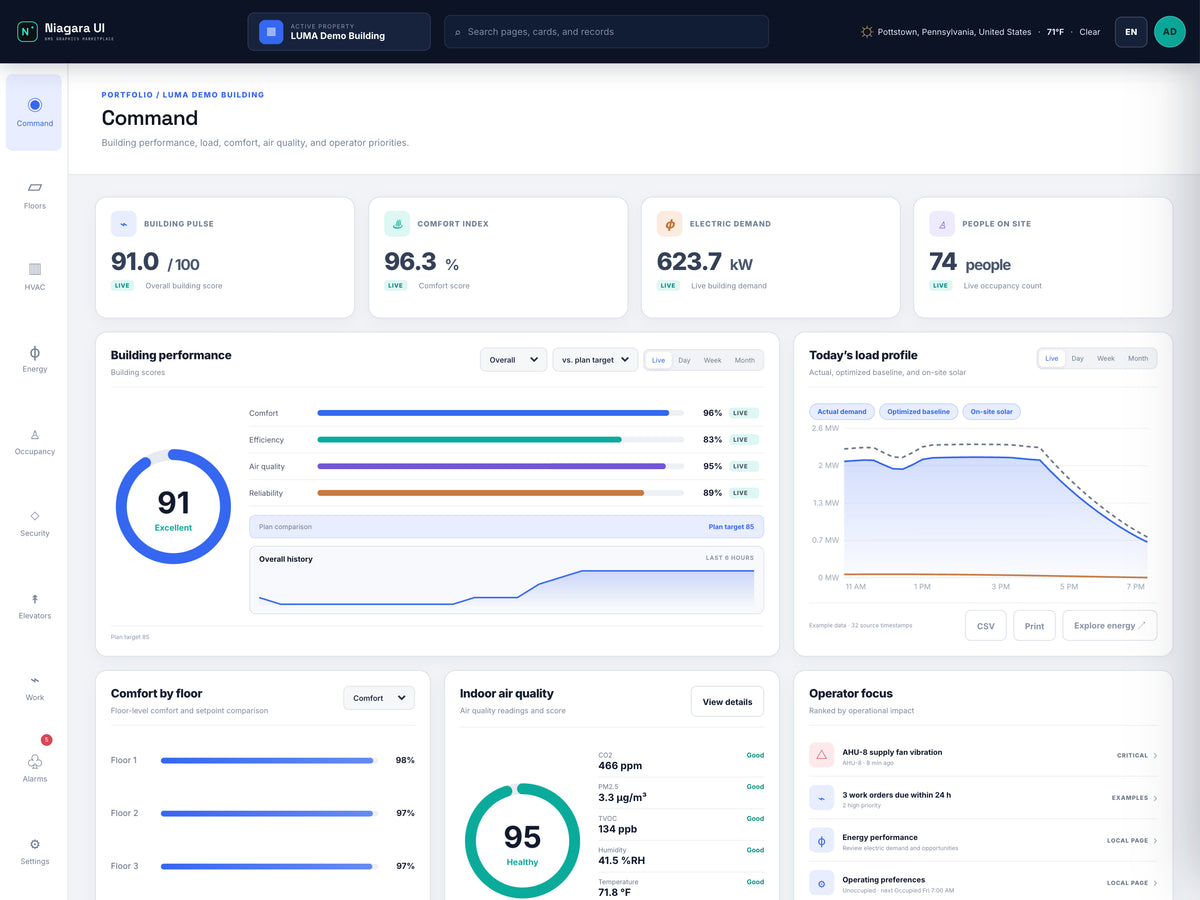
Confirm the active property, operating mode and time. Building Pulse and the comfort indicator summarize configured sources; they are not a substitute for the affected zone's point readings.
NIAGARAUI / COMMERCIAL OFFICES
An office building can look healthy in aggregate while one occupied zone needs attention. LUMA connects the building command view with floors, HVAC, energy and everyday operator tasks so a location-specific complaint has a practical starting point.
APPLICATION SCENARIO / LUMA
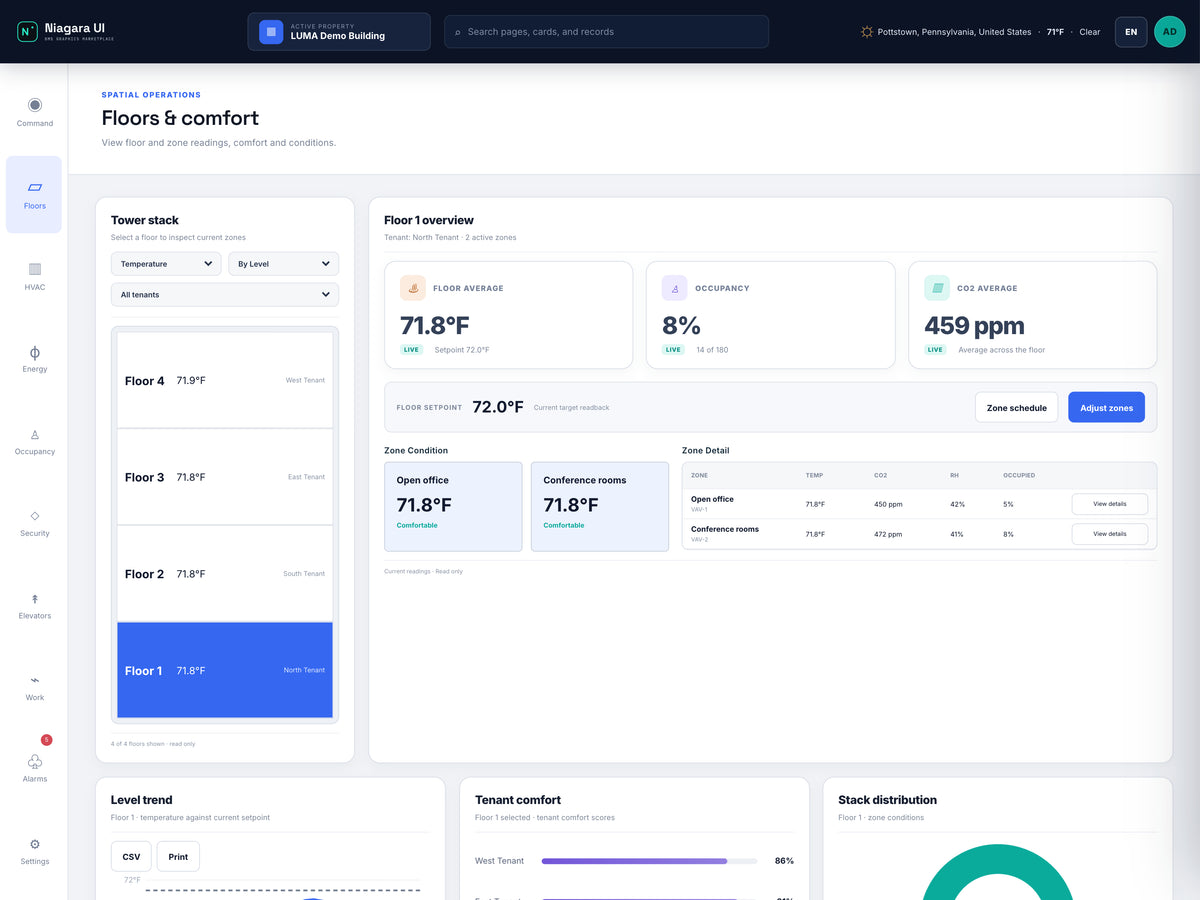
Consider an office snapshot with a 95.9% comfort index, 493.9 kW of electrical demand and 23 people on site. One zone can still need investigation even when the overall comfort score is high. The operator starts with the affected location and complaint time, then uses the building indicators as context.
Scenario snapshot. Figures describe the scenario setup. Live readings and available actions depend on the project's configured sources.
01 / OPERATOR WORKFLOW
Confirm the active property, operating mode and time. Building Pulse and the comfort indicator summarize configured sources; they are not a substitute for the affected zone's point readings.
02 / OPERATOR WORKFLOW
Open Floors and select the relevant floor. Compare the affected zone with neighboring zones, reading temperatures, setpoints and any available occupancy context with their units.
03 / OPERATOR WORKFLOW
Use the HVAC view and mapped equipment relationships to examine airflow and indoor-air-quality context. Check histories over the complaint interval before inferring that one current reading explains the event.
04 / OPERATOR WORKFLOW
Capture the source, time, units and any missing coverage. Hand the evidence to the appropriate operator or maintenance workflow; use configured Work and alarm resources without assuming that a graphics page creates a work-order integration.
The operator can distinguish a building-wide score from a zone-specific condition and produce a focused comfort review with evidence and a next action to verify.
Energy views include configured load/history context and applicable CSV or print outputs. LUMA's eleven supplied PX views include a User Database page; this is not a separate automated reporting platform.